
You can search for multiple keywords by separating them with a space.
Search results: 24
I want to move my data to a different device
Follow the steps below to transfer your data to a new device.
On the old device: 1. Open the Settings in the game
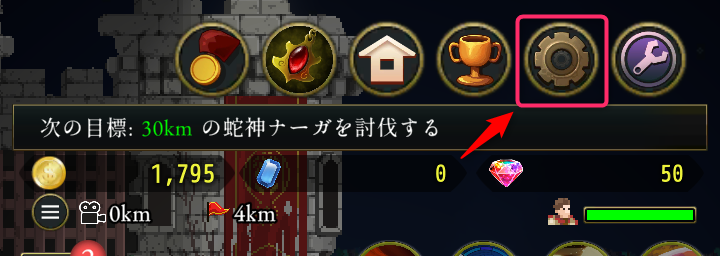
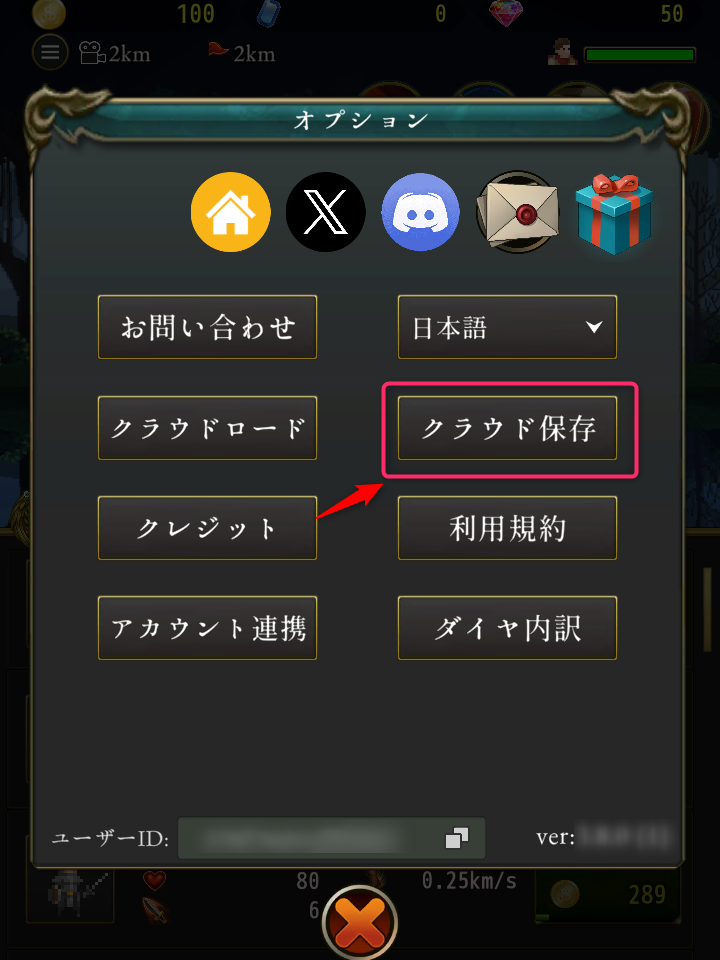
On the new device: 1. Install and launch the game 2. Open the Settings in the game
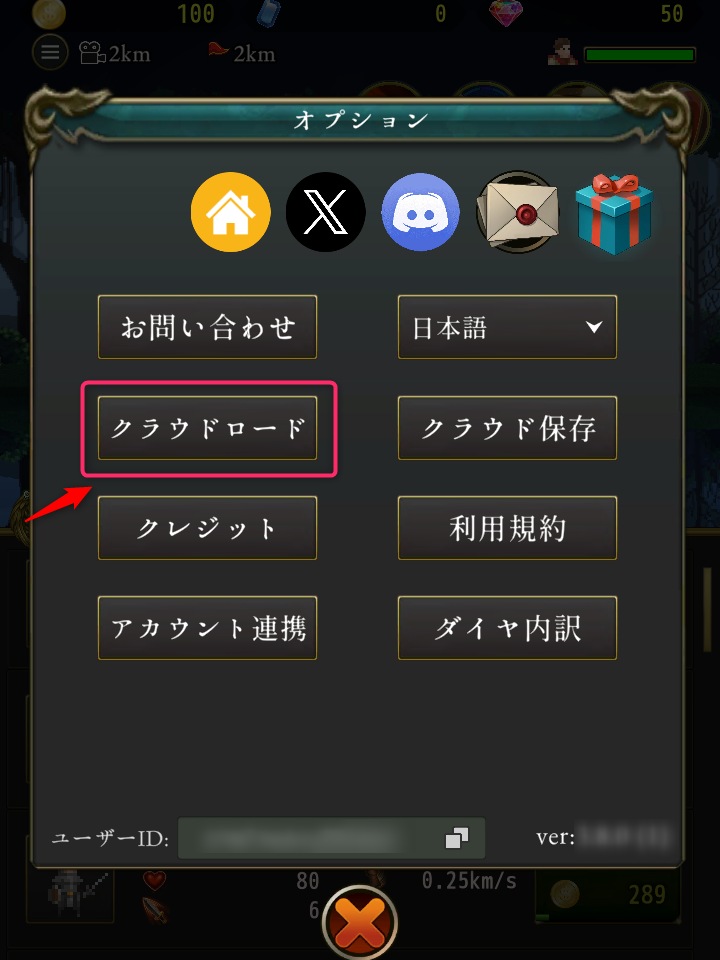
Cloud saving/loading isn't working
Please check your network connection and try again in a location with better reception.
If the same error code repeatedly appears upon failure, please contact us via the in-game "Contact Us" section and include the error code.
If the following error codes appear, some online functions are restricted because your device is not certified by Google:
[VerifyIntegrityVerdictUnevaluated] [VerifyIntegrityFailedDeviceRecognized]
The Google certification status is determined by the "Google Play Services" app, which is installed by default on Android. Updating this app or your device's operating system may resolve the issue. If the issue persists, the transfer function cannot be used as the device is considered unsupported.
Playing through emulators on PC is also unsupported, and therefore some online features, including Cloud Save and Cloud Load, cannot be used.
I cannot connect to the server
Please check your network connection and try restarting the application in a location with better reception.
You can check the current server connection status by navigating to "Settings" > "Show User ID". If the User ID is displayed, you have successfully logged in.
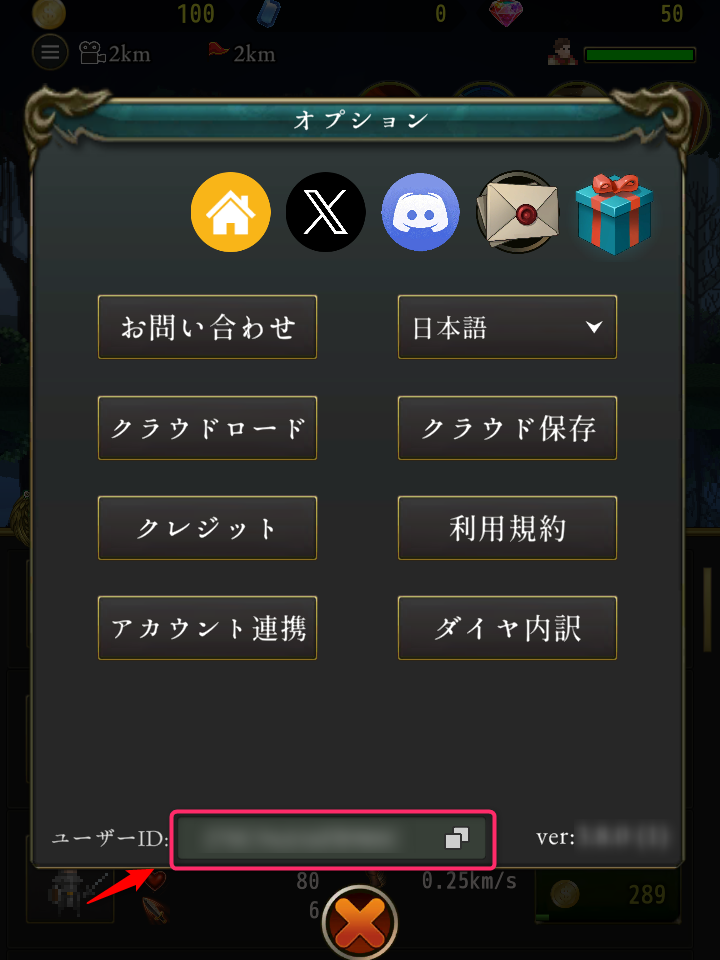
If you continue to be unable to connect to the server, please contact us via the in-game "Contact Us" section.
Can I play with the same data on multiple devices?
Playing the same data on multiple devices simultaneously is not supported.
While transferring data to a different device is possible (see I want to move my data to a different device), we do not guarantee proper functionality if the game is simultaneously progressed on both the old device (the one you transferred from) and the new device (the one you transferred to) after the transfer is complete.
Since this may cause data rollback or a mismatch in progression, data migration that does not follow the correct procedure mentioned above will not be covered by support.
When switching devices, please follow the correct procedure to transfer data each time.
Can I play the game on PC?
Playing the game on PC or through Google Play Games for PC is not supported and certain online functions will not be available. Please not that we will not be able to provide returns for purchases made in this manner either.
My purchased items are not showing up
Depending on your connection, it may take some time for items to be reflected. Please wait a while and then try restarting the app. If you still can't see the items, open the "Gift box" inside the "Settings" menu to see if your items are there.
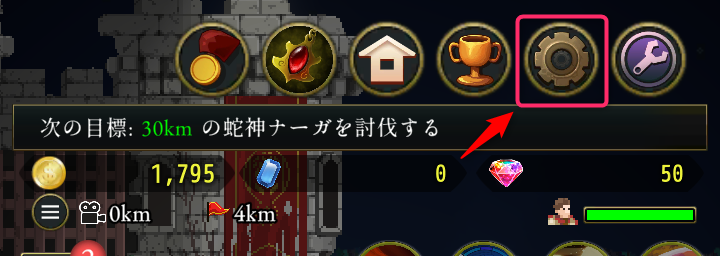
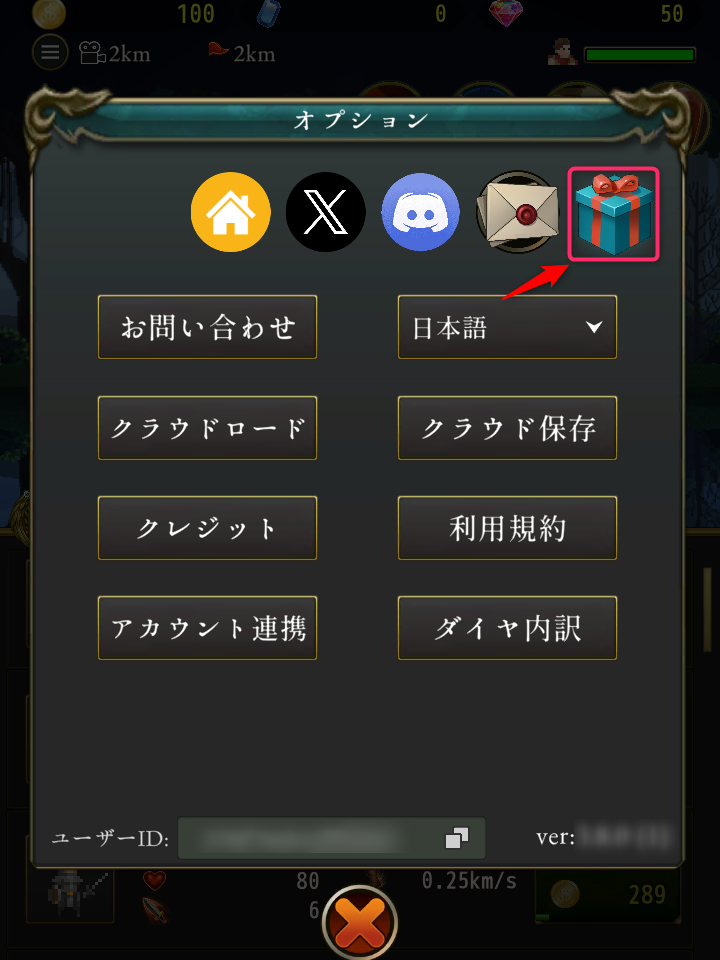
If the items are still not showing up after waiting, please contact us via the in-game "Contact Us" section. Be sure to include the purchase information, specifically the "Receipt" (for the iOS version of the game) or the "Order number starting with GPA" (for the Android version of the game), along with details of the item purchased.
The payment for my items occurred twice
Duplicate billing may occur due to communcation issues with the store.
Android users: Please contact us via the in-game "Contact Us" section, making sure to include the order number (starting with "GPA") for the items you purchased.
iOS users: Since refunds cannot be processed on the app side, please contact Apple Support directly (https://support.apple.com/en-us/118223).
I want to recover my account, but I don't know the User ID or Backup Key
Please contact us via the in-game "Contact Us" section with the following information, providing as much detail as you can remember: Player Name (The name you were asked for by Elly during the game): Order number/Date of any purchased paid items Total amount spent and the details of the purchases Date and time you started the game (This may be found in your store history) Date and time of your last login Maximum distance reached (e.g., 240 miles in normal mode) Number of completed expeditions Number of Rubies currently held Total playtime Score in Forest Defense mode
Providing the order number for paid items, your Player Name, the date/time you started the game, and the date/time of your last login significantly increases the possibility of identifying your account.
Please understand that, depending on the situation, account recovery may not be possible.
I cannot load ads
Loading ads may be temporarily unavailable depending on connection status and server-side issues. There are certain times of the day during which it is more likely for ads not to be available, so please try at a different time.
I can't see distributed items in the gift box
It may take some time between the announcement of item distribution in the in-game news and the items actually being delivered. Please wait a while and check your gift box again.
The game is slows/lagging
Please try adjusting the following settings in the Game Settings menu:
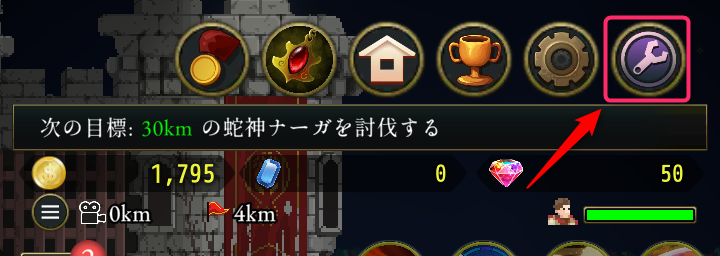
■Battle Screen Effects: Display Effects -> OFF Display Damage Text -> OFF Display Coin Animation -> OFF Display EXP animation -> OFF Display HP Bar -> OFF
■Others: - Graphics Quality -> Low or Medium
I want to start the game from scratch
Since there is no data deletion function within the game itself, please delete the game data using your smartphone's app managament feature. We recommend performing a Cloud Save and noting your User ID and Backup Key as a precaution before deleting the data.
Forbidden Guardians don't appear even though I used a Summoning Stone
Forbidden Guardians don't appear during Time Attacks or if their appearance has been switched off in the game's settings. If either of those are true, the summoning stone will not be consumed upon use.
I cannot link my account
Please see Cloud saving/loading isn't working.
When I die, I only receive a few gems
When you return from an expedition by dying, you generally receive fewer rewards.
This is because certain artifacts that increase rewards only work when you finish an expedition by selecting "Return" while you're still alive.
The Forbidden Guardians aren't losing HP
Forbidden Guardians are much stronger than standard bosses. You may barely be able to deal damage to them with your current troops. Try powering up your troops and then trying again.
Time Attack mode doesn't start
To activate Time Attack mode, you must go to the shop and buy the "Compass of Reincarnation" artifact from the shop.
Additionally, make sure you have not turned off Time Attack mode in the game's settings.
I want to change my player name
After progressing through the story up to a certain point, you'll be able to select "I want to change my name" as a dialogue option. (Please note that this may be unavailable during certain events.)
How do I increase the maximum level of my soldiers?
Defeating certain bosses while using only a single type of soldier (and tap attacks) will let you increase their maximum level.
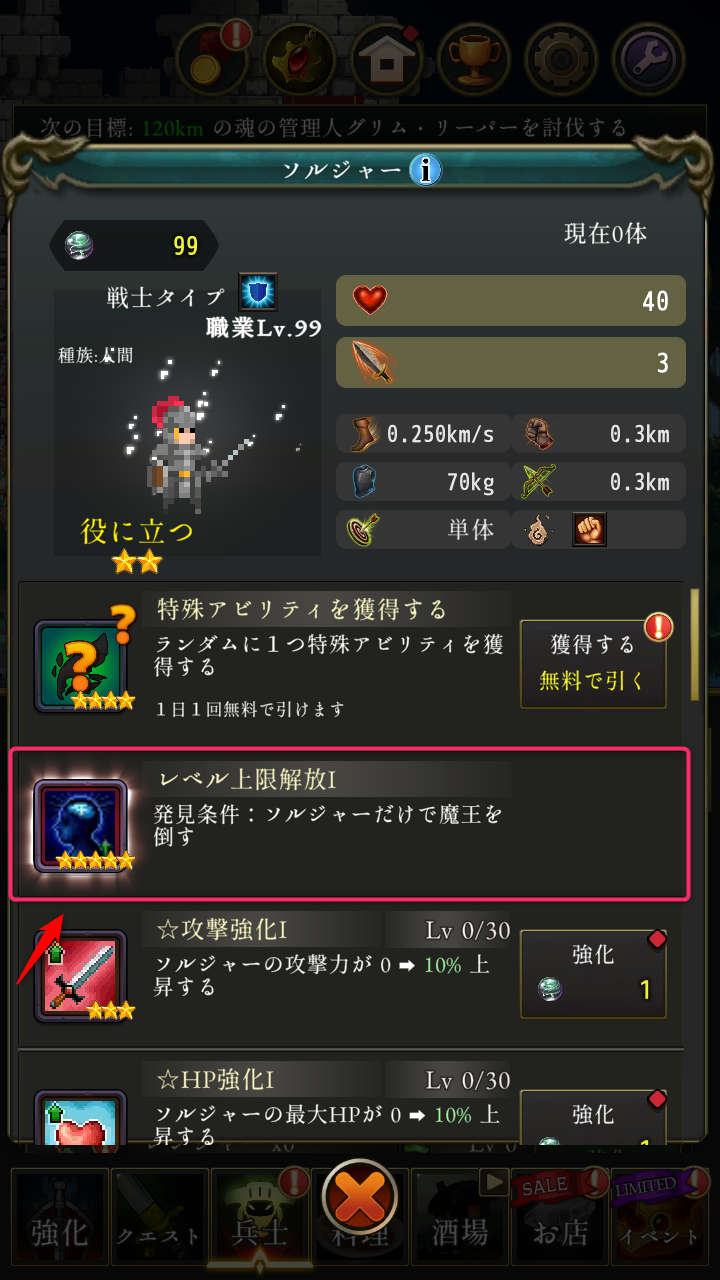
Please not that for most soldiers, you will not receive this perk if your commander has attacked any monsters.
Can I get a refund for an item I purchased by mistake?
We cannot refund or cancel purchases for reasons dependent on the player.
Game-speed increases or ad-removal stopped working
Using these features requires the purchase of specific items, the "Speed-up set" and Ad-removal set" respectively.
As trial sets and 1-day trial sets also exist in the game, make sure that you weren't using one of these which has since expired.
I started getting fewer rewards/experience all of a sudden
Rewards may be temporarily increased during certain campaigns. Please check whether any such campaign period has ended. Campaign information can be found in the in-game news.
Can I move my purchased items to a different account?
This is not possible.
I can't put two 6★ Einherjars with the same name in my troops
Some 6★ Einherjars, such as Idunn and Randgridr, have different versions with slightly different charactersistics. However, you can only still only include one Einherjar with the same name at a time.